Turning Client Calls Into Structured CRM Entries
Dec 8, 2025

Capture And Structure Conversations With Chat: Use Steve Chat to extract structured CRM fields from live or post-call notes and reuse memory for consistent client profiles.
Turn Email Threads And Meeting Notes Into Clean Entries: AI Email summarizes threads and tags priorities so you can populate CRM fields without manual triage.
Maintain Context Consistency With Shared Memory: Shared memory preserves account attributes across agents, preventing contradictory or duplicated CRM entries.
Convert Next Steps Into Actionable Tasks: Task Management turns call outcomes into assignable tasks with deadlines and links back to the CRM record.
Operational Benefit: Combining conversational capture, email summarization, shared memory, and tasks creates CRM-ready records that reduce friction and speed execution.
Introduction
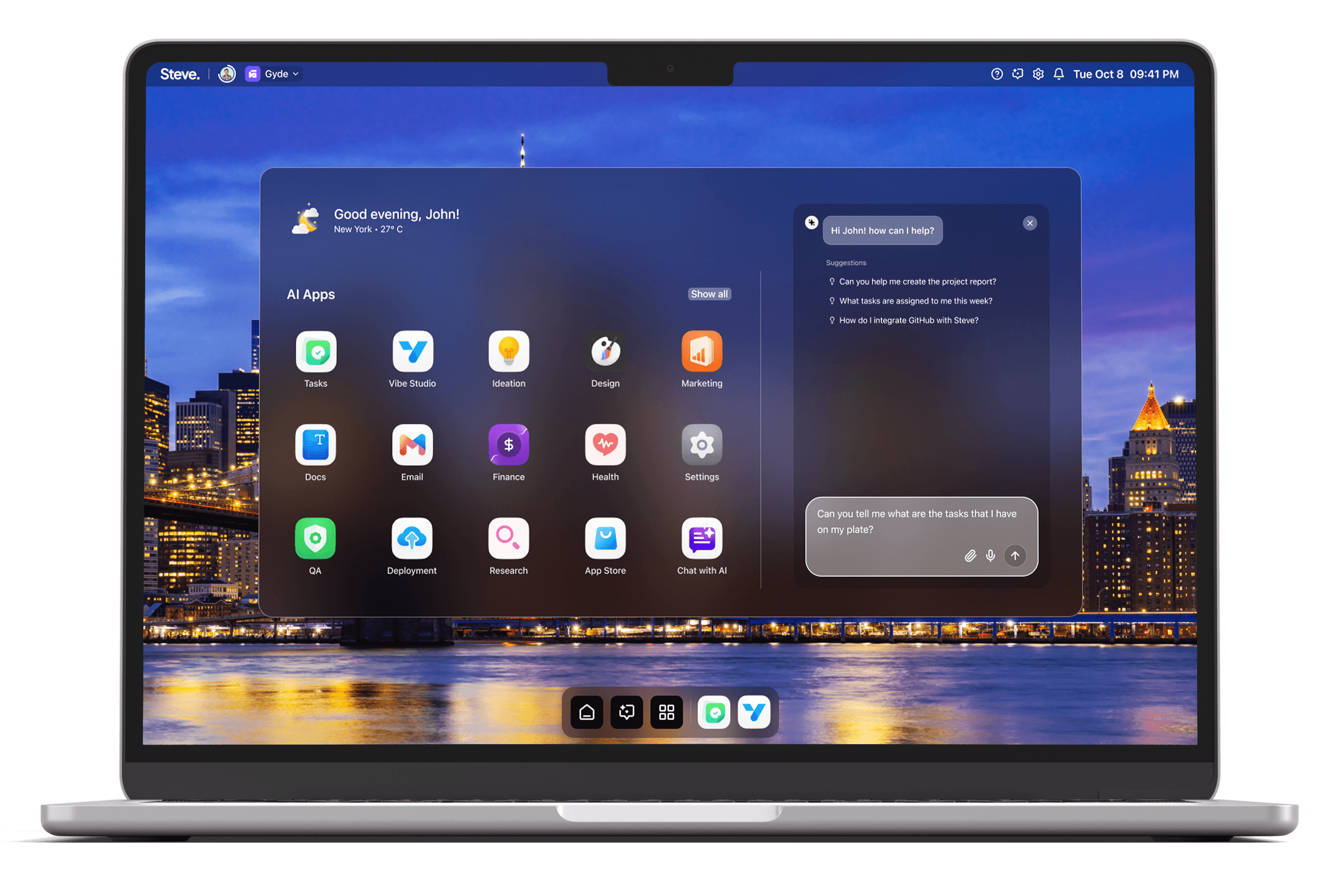
Turning client calls into structured CRM entries is a repeatable discipline that reduces follow-up friction, preserves context, and improves conversion. Many teams still keep call notes in scattered docs, email threads, or memory — creating data loss and inconsistent handoffs. Steve, an AI Operating System, helps operationalize that discipline by using conversational agents, shared memory, AI-assisted email workflows, and task automation to convert call insights into CRM-ready records quickly and consistently.
Capture And Structure Conversations With Chat
Start every call by opening Steve Chat to capture intent, outcomes, and action items in a single conversational stream. Steve’s chat interface supports rich context (uploaded files, meeting notes, and linkable artifacts) so you can paste transcript excerpts or type highlights during the call. Instead of freeform notes, prompt Steve to extract named entities, decision points, objection summaries, and next steps as structured fields — examples include contact role, company, opportunity stage, pain points, committed dates, and required assets. Because Steve retains conversational memory, it recognizes repeat clients and persists profile details, reducing duplicate entry and ensuring subsequent summaries align with historical context.
Practical scenario: during a discovery call, the rep asks Steve Chat: “Summarize the client’s goals, list three risks, and produce CRM fields for Account, Contact, Opportunity Value, Close Window, and Next Action.” Steve returns a clean set of fields ready to paste into a CRM or include in a follow-up email, eliminating ambiguous bullet lists and manual reformatting.
Turn Email Threads And Meeting Notes Into Clean Entries
After calls, customer threads and long email exchanges often contain the definitive commitments. Steve’s AI Email module summarizes long threads into concise synopses, tags messages by priority, and suggests context-aware draft replies that reflect the most recent commitments. Use those summaries to populate CRM fields: the AI Email summary can feed the account notes, update the opportunity value, and capture promised deliverables. Tagging highlights urgency and decision status so your CRM reflects priority changes without manual triage.
Practical scenario: a multi-thread negotiation concludes with pricing terms buried across messages. Steve Email generates an executive summary with the final terms and a checklist of deliverables. Those items map directly into CRM notes and next-action fields, reducing the risk that finance or delivery teams miss negotiated points.
Maintain Context Consistency With Shared Memory
Steve’s shared memory system keeps agent outputs aligned across sessions and tools. That shared memory records client attributes, timeline commitments, and recurring preferences so each agent — chat, email, or task manager — uses the same source of truth. The result: structured CRM entries remain consistent even when multiple reps or AI agents touch the account. When a new call references prior concessions or product configurations, Steve recalls that context and applies it when generating CRM fields, preventing contradictory entries and fragmented histories.
Practical scenario: a client mentions a previously agreed pilot budget. Steve’s memory links that item to the account record, and subsequent CRM entries inherit the correct budget number rather than creating a conflicting duplicate.
Convert Next Steps Into Actionable Tasks
Structured CRM entries should include clear next steps. Steve’s Task Management features translate post-call action items into assignable tasks, sprint suggestions, or checklist items. Tasks created from call summaries can include deadlines, owner assignments, required documents, and links back to source notes. If your team uses Linear or other supported tools, Steve can prepare task descriptions in the right format for import or manual creation, keeping the CRM’s “next action” field and your execution system aligned.
Practical scenario: a discovery call ends with three deliverables — a proposal, a product demo, and a contract review. Steve generates three tasks with owners and due dates, and appends those task IDs to the CRM entry so downstream stakeholders see both the strategic status and the tactical work.
Steve
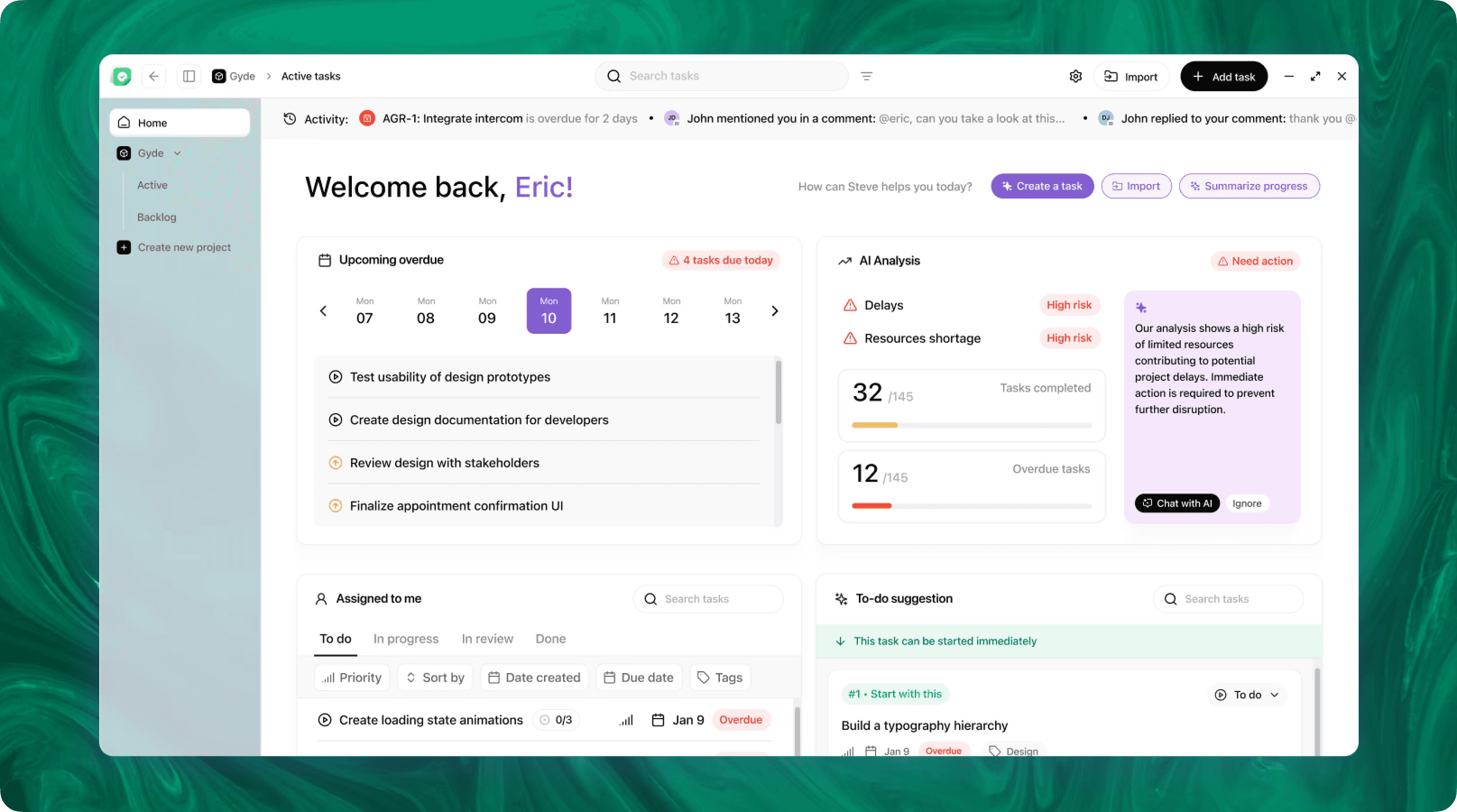
Steve is an AI-native operating system designed to streamline business operations through intelligent automation. Leveraging advanced AI agents, Steve enables users to manage tasks, generate content, and optimize workflows using natural language commands. Its proactive approach anticipates user needs, facilitating seamless collaboration across various domains, including app development, content creation, and social media management.
Conclusion
Consistently turning client calls into structured CRM entries reduces information loss, speeds follow-ups, and aligns teams around a single source of truth. As an AI OS, Steve combines conversational capture, AI-powered email summarization, shared memory, and task orchestration to produce CRM-ready records that preserve context and drive action. Teams that use Steve spend less time reformatting notes and more time moving opportunities forward.