Integrating Business Intelligence Tools With Steve
Dec 1, 2025

Connecting Data Sources Through Google Sheets And Drive: Direct integrations let Steve query live Sheets and Drive files so teams analyze a single source of truth without repeated exports.
Ingesting Reports With File-Aware Analysis: Uploading PDFs and spreadsheets enables Steve to extract tables and summarize trends, turning static reports into immediate insights.
Maintaining Context With Shared Memory: Shared memory preserves KPI definitions and investigation state so conversations stay consistent and repeatable across sessions.
Delivering Insights And Action With AI Email: AI Email prioritizes threads, drafts context-aware messages, and delivers concise summaries that stakeholders can act on quickly.
Workflow Benefit: Combining live file access, file-aware ingestion, memory, and email summarization transforms BI from ad hoc reporting into a continuous decision loop.
Introduction
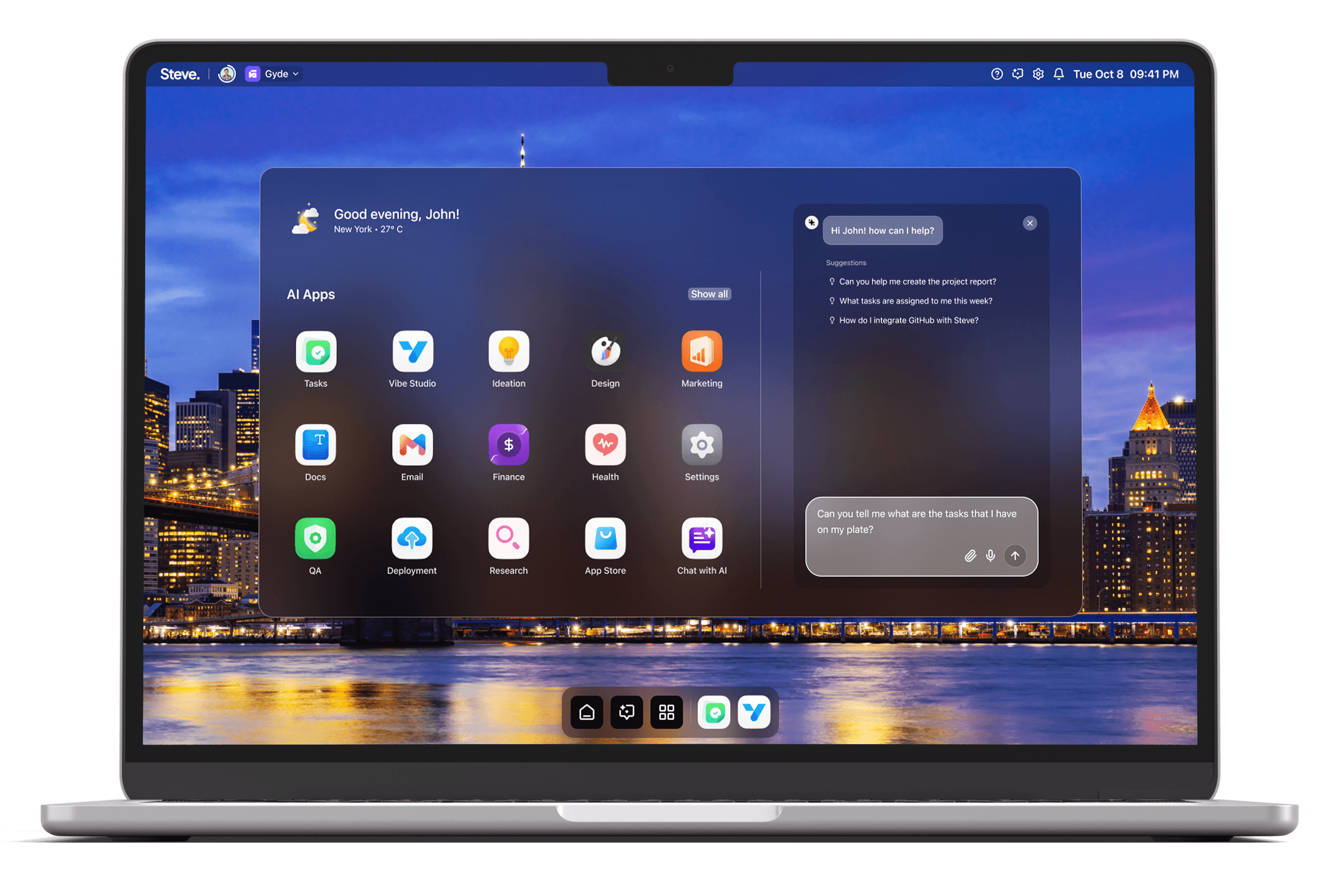
Integrating Business Intelligence tools with Steve turns dispersed reports and ad hoc analysis into a continuous, actionable workflow. As an AI Operating System, Steve bridges BI artifacts—spreadsheets, exported PDFs, and shared Drive files—with conversational agents that maintain context, summarize findings, and surface next steps. This article shows practical ways organizations can use Steve to ingest BI outputs, preserve analytic context, and deliver prioritized insights to teams.
Connecting Data Sources Through Google Sheets And Drive
Many BI workflows use Google Sheets or shared Drive folders as the exchange layer for exports, snapshots, and lightweight dashboards. Steve’s direct integrations with Google Sheets and Drive let teams keep those artifacts live: instead of copying numbers into chat, users point Steve at an existing sheet or Drive file and ask natural-language questions about the data. That enables quick, iterative interrogation—"Which region missed targets this quarter?"—without rebuilding views or exporting CSVs repeatedly.
A practical scenario: a product manager schedules nightly exports from a BI system into a shared Drive folder. Steve accesses the newest sheet on demand, computes variance from target columns, and returns a concise list of underperforming segments. By treating Sheets and Drive as canonical inputs, Steve reduces manual handoffs and ensures everyone analyzes the same snapshot.
Ingesting Reports With File-Aware Analysis
BI workflows still produce PDFs, slide decks, and ad hoc spreadsheets. Steve’s file-aware capability accepts uploads of PDFs and spreadsheets so AI agents can extract tables, parse footnotes, and reference visualized metrics in conversation. Rather than transcribing charts, teams upload a report and ask Steve to summarize key trends, identify anomalies, or reconcile numbers between files.
For example, when a monthly sales pack arrives as a PDF, an analyst uploads it to Steve and asks for a two-paragraph executive summary plus any outliers. Steve reads the file, extracts the relevant tables, and surfaces the three metrics that require immediate attention. That rapid synthesis is useful for tight reporting cycles where leaders need crisp takeaways, not raw pages.
Maintaining Context With Shared Memory
Meaningful BI work is iterative: questions evolve, assumptions change, and derived KPIs depend on earlier mappings. Steve’s shared memory system preserves that context across agents and conversations so insights remain traceable. Memory can store KPI definitions, mapping rules between source columns, and decisions made during root-cause sessions, allowing future queries to reuse that context automatically.
In practice, a data analyst can teach Steve the canonical definition of "active user" and the lookup rules for a crosswalk table once; subsequent chats referencing DAU or retention inherit that definition without re-specification. During a multi-day investigation, the same memory keeps hypotheses, rejected explanations, and intermediate results accessible to other team members who join the conversation, reducing repetition and accelerating resolution.
Delivering Insights And Action With AI Email
Analysis is only valuable when it reaches the right people with clarity. Steve’s AI Email module converts complex threads and long reports into prioritized summaries, tags critical conversations, and drafts context-aware replies. BI teams can route anomalies or weekly scorecards into a shared inbox, and Steve will generate concise summaries and suggested actions that stakeholders can approve and forward.
Consider an incident where a sudden dip in conversion is captured in a shared sheet: Steve tags the thread as high priority, summarizes the likely affected segments, and drafts a short bulletin for product and marketing leads with recommended next steps. Because the inbox syncs in real time, stakeholders receive clear, actionable messages without wading through raw exports or lengthy analysis notes.
Steve
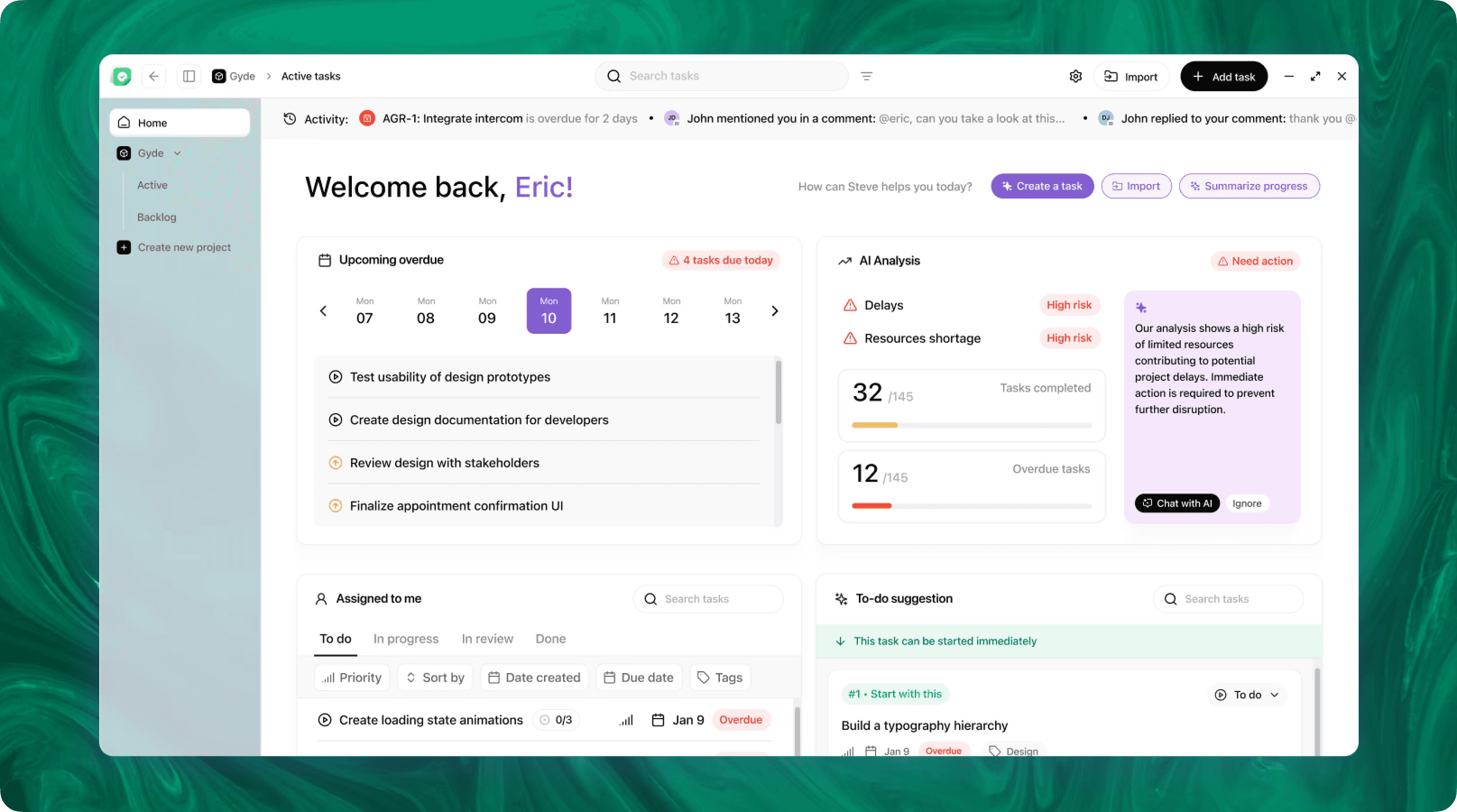
Steve is an AI-native operating system designed to streamline business operations through intelligent automation. Leveraging advanced AI agents, Steve enables users to manage tasks, generate content, and optimize workflows using natural language commands. Its proactive approach anticipates user needs, facilitating seamless collaboration across various domains, including app development, content creation, and social media management.
Conclusion
Integrating Business Intelligence tools with Steve reframes BI from occasional reporting to an ongoing, conversational workflow. By leveraging direct Google Sheets and Drive integrations, file-aware ingestion of spreadsheets and PDFs, a shared memory that preserves analytic context, and AI Email for prioritized delivery, Steve—the AI OS—reduces friction between data and decisions. Teams get faster, repeatable insights and a single conversational surface that ties evidence, context, and action together.