How Steve Helps Teams Decide What Not To Work On
Oct 12, 2026

AI-Powered Task Boards Reduce Low-Value Work: Centralized, context-aware boards surface stale, duplicated, or blocked tasks for confident deprioritization.
Cut Noise With AI Email Triage: AI tags and thread summaries separate actionable requests from informational or duplicate messages to prevent unnecessary work.
Use Conversational Context To Justify Deprioritization: Steve Chat pulls documents, schedules, and issue context to produce structured trade-offs that support dropping items.
Shared Memory Makes 'Not-To-Do' Decisions Durable: Persistent memory records rationale so deferred items don’t repeatedly re-enter the backlog without new evidence.
Workflow Benefit: Combining these capabilities turns subjective debates into documented decisions, freeing teams to focus on high-impact work.
Introduction
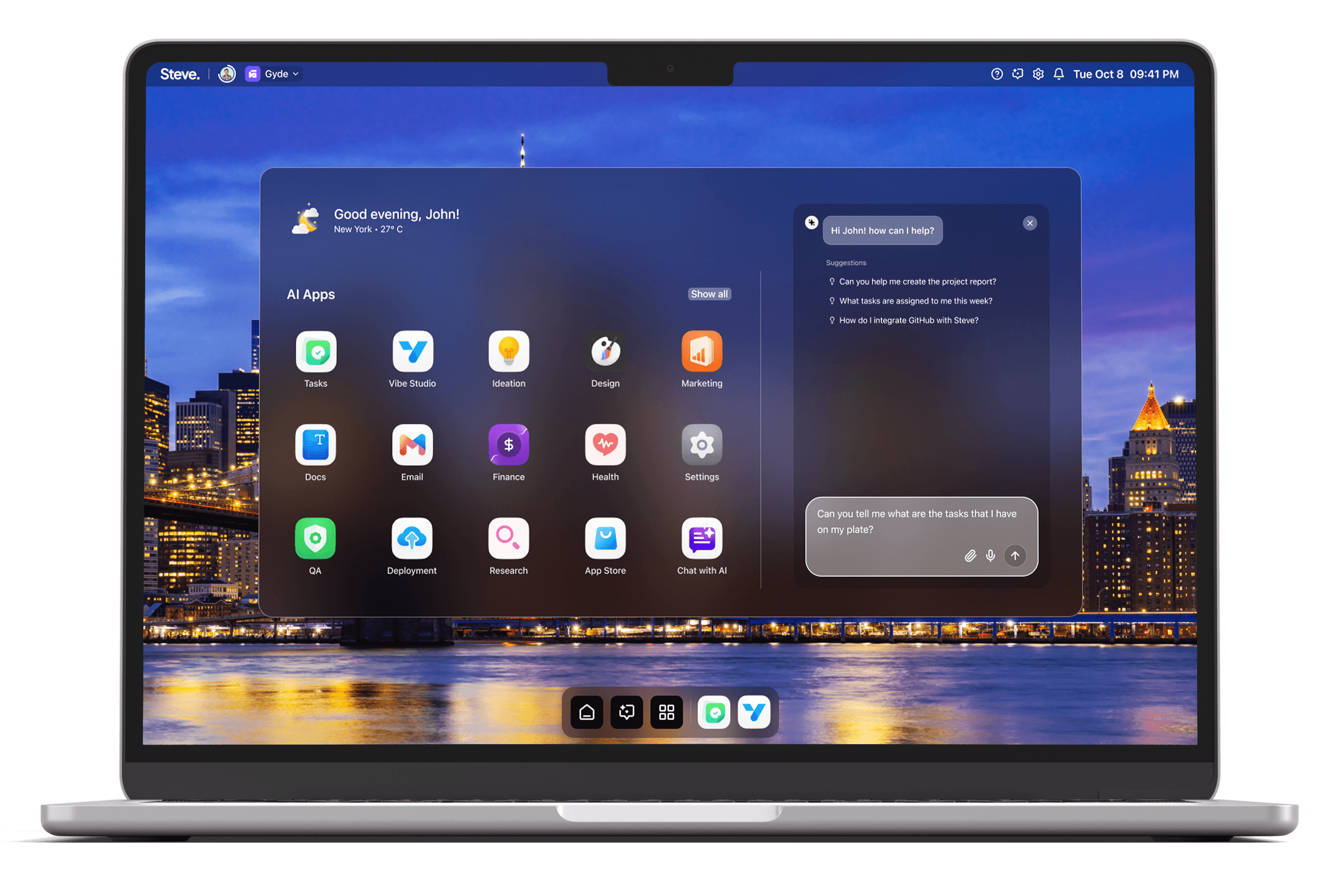
Deciding what not to work on is as important as choosing what to prioritize: it frees capacity, prevents context switching, and prevents teams from shipping low-impact work. Steve, an AI Operating System (AI OS), helps teams make those pruning decisions faster and more defensible by combining conversational intelligence, inbox triage, shared memory, and AI-powered task management. The result is fewer distractions, clearer roadmaps, and a repeatable way to decline work with evidence.
AI-Powered Task Boards Reduce Low-Value Work
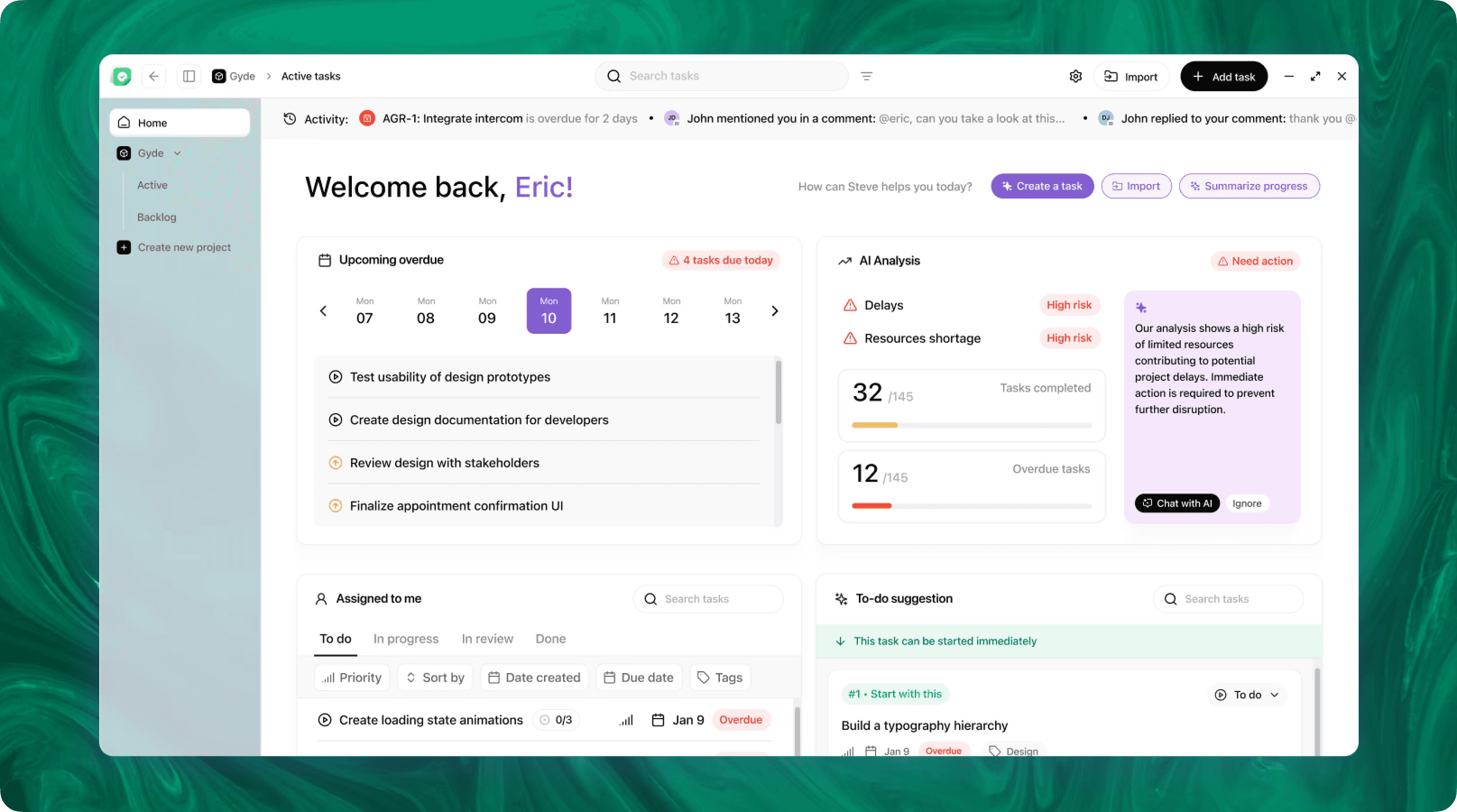
Steve’s AI-powered task management boards centralize planning and expose candidates for removal or deferral. By importing tasks from Linear or creating new entries from prompts, Steve places work in a single workspace where context-aware automation highlights stale items, blocked tickets, and low-progress tasks. The system proposes sprints and surfaces tasks that repeatedly slip or duplicate effort, making it easier for product leads to recommend dropping items with minimal debate.
Practical scenario: a product manager faces an overloaded backlog of feature requests. Steve consolidates related tickets, marks duplicates, and suggests a sprint that focuses on high-impact items while identifying low-impact requests to archive. The board’s contextual links — recent commits, customer threads, and current sprint load — give the team a quick, evidence-based rationale for what not to pursue this quarter.
Cut Noise With AI Email Triage
Email is a primary source of incoming work and noise. Steve’s AI Email organizes conversations with AI tags, categorization, and concise thread summaries so teams can quickly distinguish action-required items from informational or redundant messages. Summaries and context-aware reply suggestions let teams acknowledge or archive requests without starting unnecessary work.
Practical scenario: engineering leads receive numerous enhancement requests via email. Steve tags incoming threads as "informational," "duplicate," or "actionable," and provides a compact summary that captures stakeholder intent and urgency. With that intelligence, the team can defer non-urgent asks, respond with a template that sets expectations, and avoid adding low-priority items to the active backlog.
Use Conversational Context To Justify Deprioritization
Steve Chat lets teams debate trade-offs in conversation while the AI retains and pulls contextual evidence. The chat interface connects to calendars, docs, issues, and files so a single query can surface timelines, resource constraints, and prior decisions. Steve’s step-by-step reasoning and file-aware understanding let teams test “what-if” scenarios and arrive at a clear rationale for not doing something.
Practical scenario: during a planning session, a PM asks Steve Chat whether a requested feature should be included in the next release. Steve pulls the current sprint load, relevant design docs, user-reported frequency, and previous discussions, then outlines the trade-offs. The team uses that structured output to agree to postpone the feature and to create a follow-up checkpoint, preserving alignment across stakeholders.
Shared Memory Makes 'Not-To-Do' Decisions Durable
Steve’s shared memory system records the why behind deprioritization so decisions persist beyond a single meeting. When AI agents collaborate, they reference the same context—meeting notes, summaries, and task board state—so future queries retrieve the original rationale. That prevents dropped items from reappearing in cycles of re-discussion and enables faster onboarding for new team members.
Practical scenario: a stakeholder revisits a previously shelved idea months later. Instead of re-litigating the item, Steve retrieves the archived rationale, the associated email summary, and the sprint trade-offs that led to deferral. The team can either reaffirm the prior decision quickly or surface new evidence to reopen the item with clear provenance.
Steve
Steve is an AI-native operating system designed to streamline business operations through intelligent automation. Leveraging advanced AI agents, Steve enables users to manage tasks, generate content, and optimize workflows using natural language commands. Its proactive approach anticipates user needs, facilitating seamless collaboration across various domains, including app development, content creation, and social media management.
Conclusion
Steve, as an AI Operating System, reduces wasted effort by combining AI-powered task boards, smart email triage, conversational decision-making, and shared memory. Those capabilities turn subjective opinions into documented trade-offs, shorten debates about scope, and keep teams focused on high-impact work. Teams that use Steve spend less time deciding what to drop and more time shipping what matters.