How AI OS Centralizes Cross-Tool Notifications
Jan 14, 2026

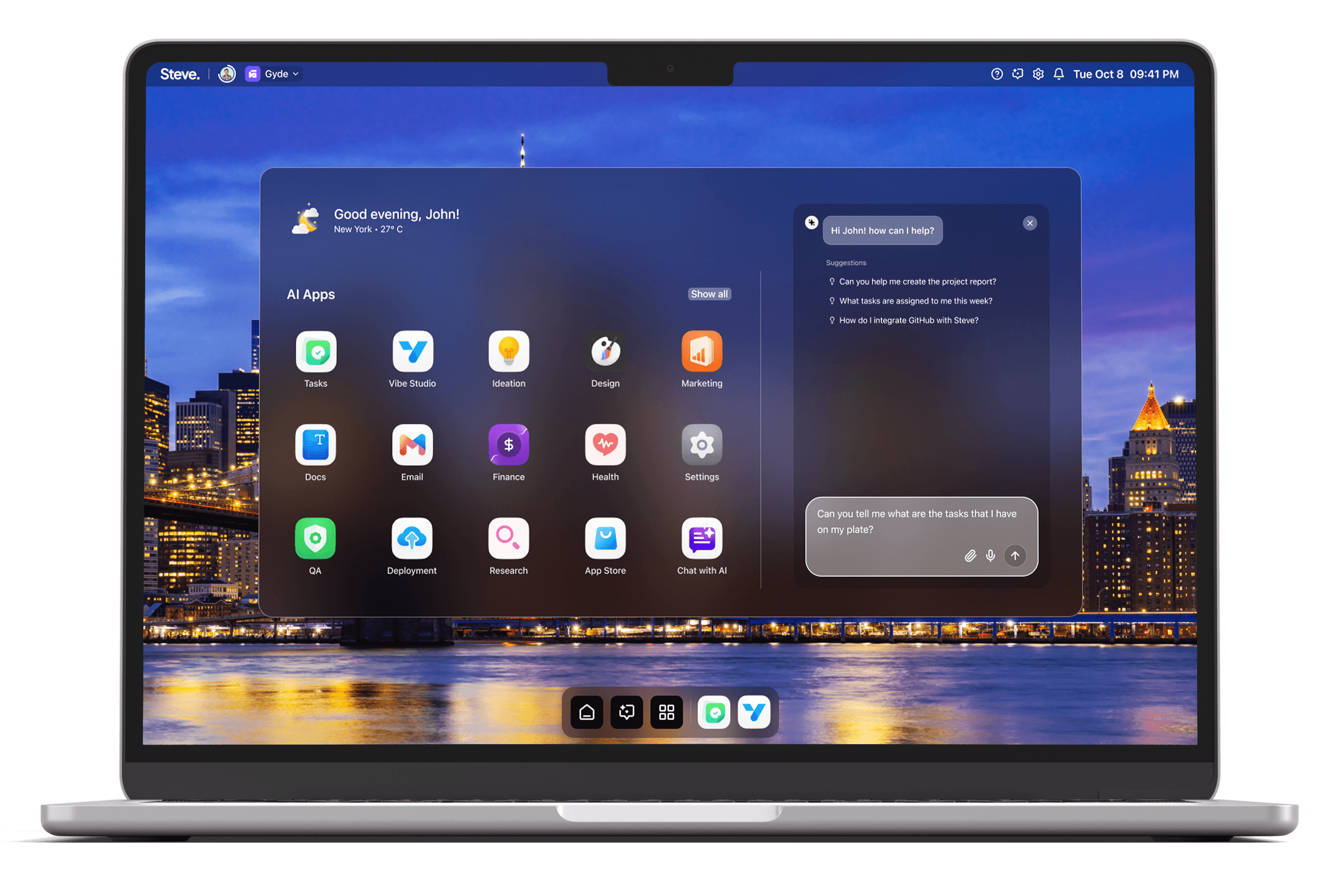
Unified Notification Ingest: Steve aggregates real-time alerts from email and integrated services into a single notification stream to eliminate app switching.
Contextual Deduplication and Prioritization: Shared memory links related updates and AI tags surface critical items while batching low-priority noise.
Actionable Notifications and Conversational Resolution: Notifications include direct actions—reply, schedule, attach docs, or create tasks—executable via chat.
Live Summaries, Audit Trail, and Continuous Learning: Persistent context and logging preserve decisions and provide analytics for improving notification handling.
Workflow Efficiency Gain: Converting dispersed alerts into coordinated, context-rich workflows reduces missed items and speeds decision-making.
Introduction
Centralizing cross-tool notifications is essential to reduce context switching, prevent message overload, and keep teams aligned. As an AI Operating System, Steve consolidates alerts from email, calendars, docs, issue trackers, and task boards into a single, actionable stream while preserving context and enabling direct resolution. This article explains how Steve centralizes notifications, prioritizes what matters, and converts noise into work that moves forward.
Unified Notification Ingest
Steve pulls signals from integrated services into one interface by combining its AI Email and Steve Chat integrations. Rather than toggling between Gmail, Drive, Notion, or GitHub, teams receive a unified feed where messages, mentions, and updates arrive in real time. In practice, a product lead sees a pull request comment, a customer email, and a calendar invitation in the same pane, with each item tagged and threaded. That single ingest reduces lost items and shortens the path from alert to awareness because users no longer need to hunt across discrete apps to understand what changed.
Contextual Deduplication and Prioritization
Steve applies shared memory and AI Email tagging to collapse redundant alerts and surface what’s important. The shared memory system maintains conversational and document context across agents, so multiple updates about the same task are linked rather than repeated. AI-generated tags and summaries then flag priority items—customer escalations, blocker issues, or time-sensitive meetings—while lower-impact updates are batched. For example, when a client threads several clarifying questions across email and a support ticket, Steve summarizes the combined thread and elevates unresolved asks as high priority, preventing duplicate follow-ups and ensuring the team responds to the right items first.
Actionable Notifications and Conversational Resolution
Notifications in Steve are not passive; each alert carries actions you can invoke conversationally. Through Steve Chat, users can reply to emails, schedule time on connected calendars, link a document from Drive or Notion, or convert an alert into a task on the integrated task board without leaving the notification stream. In a typical scenario, a designer receives a change request via email: they open the notification, ask Steve to draft a reply, attach the updated mock in Drive, and create a tracking task in the product board—all from the same interaction. This reduces friction between notification and resolution and turns alerts into completed work instead of deferred items.
Live Summaries, Audit Trail, and Continuous Learning
Steve preserves a persistent context and a detailed record for notifications using shared memory and chat logging capabilities. Each summarized thread and decision becomes part of the shared memory so agents and teammates reference the same state later, avoiding re-explanations. Additionally, Steve’s logging and analytics capture who acted on which alert and what steps followed, creating an audit trail useful for retrospectives and continuous improvement. For instance, product managers can review how many customer escalations were resolved via conversational triage and adjust routing rules or templates to improve future response times.
Practical Scenarios That Reduce Overhead
Incident Response: When an outage triggers alerts across monitoring, Slack, and email, Steve aggregates them, summarizes impact, and creates a prioritized checklist on the task board so engineers can act immediately.
Meeting Prep: Calendar invites and related pre-read comments are bundled with linked documents and a short AI summary, letting attendees arrive prepared without clicking through multiple apps.
Release Coordination: Pull requests, release notes, and QA reports converge in one stream; Steve links related items, generates a release checklist, and opens follow-up tasks for unresolved issues.
Each scenario demonstrates how Steve converts dispersed notifications into coordinated, context-rich workflows.
Steve
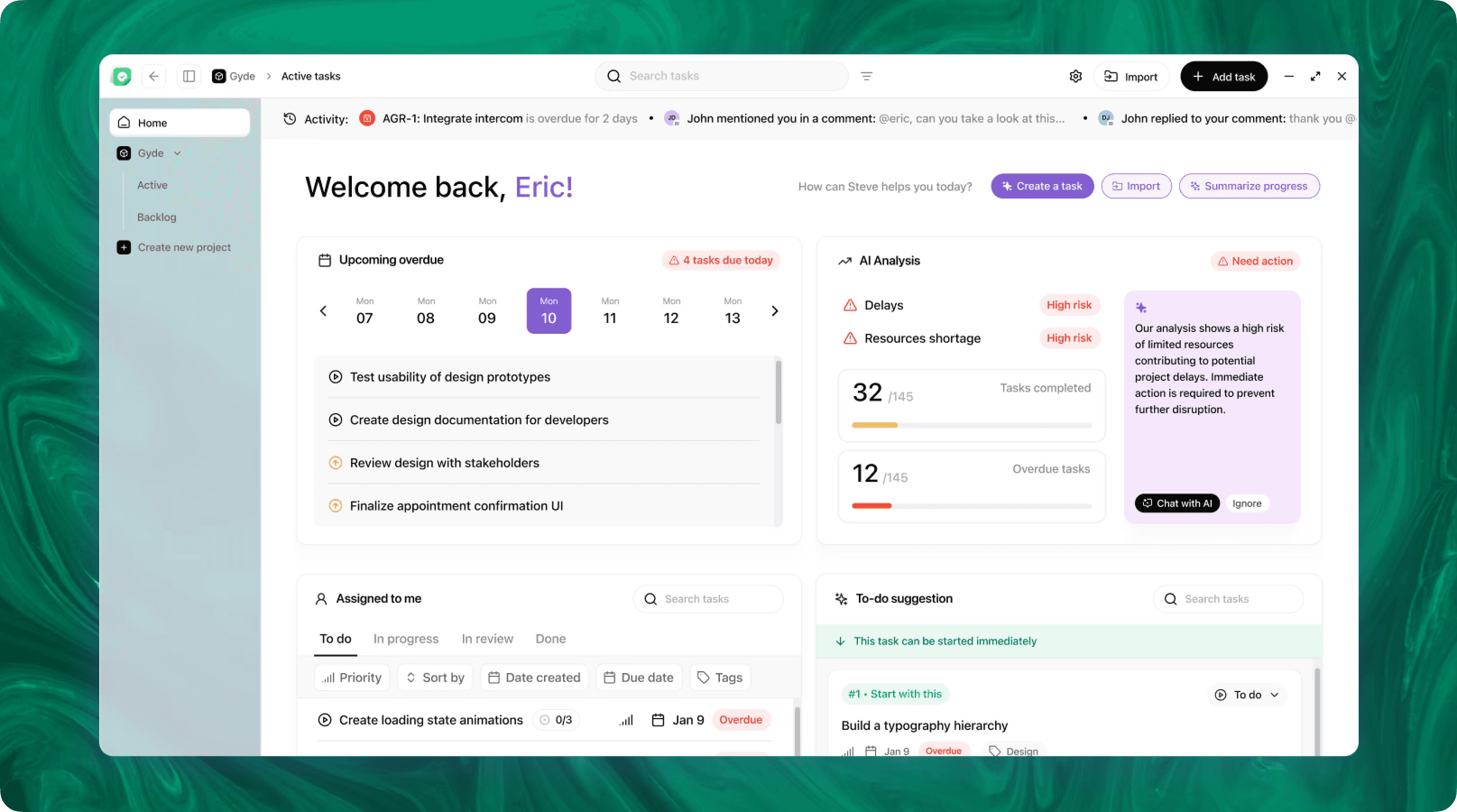
Steve is an AI-native operating system designed to streamline business operations through intelligent automation. Leveraging advanced AI agents, Steve enables users to manage tasks, generate content, and optimize workflows using natural language commands. Its proactive approach anticipates user needs, facilitating seamless collaboration across various domains, including app development, content creation, and social media management.
Conclusion
Centralizing notifications with an AI OS reduces noise, preserves context, and speeds resolution. Steve accomplishes this by merging real-time email and app integrations into a unified feed, applying shared memory to deduplicate and prioritize, enabling conversational actions to close loops, and retaining an audit trail for continuous improvement. The result: fewer missed items, faster decisions, and a notification system that powers work rather than fragments it. As an AI OS, Steve turns cross-tool alerts into a single, intelligent surface that keeps teams focused and productive.