Conversational SOP Creation For Operations Teams
Jan 21, 2026

Conversational Knowledge Capture With Shared Memory: Persistent context lets SOP drafts include accurate history, decisions, and constraints from real interactions.
Drafting And Refining SOPs Through Steve Chat: File-aware, iterative conversation converts logs and notes into structured SOPs and checklists.
Embedding SOPs Into Inbox Workflows With AI Email: Thread summaries and context-aware suggestions turn recurring email patterns into actionable SOP drafts.
Operational Execution And Tracking With Task Management: SOP steps become tasks and tickets, linking documentation to measurable execution and follow-ups.
Workflow Benefit: Combining memory, chat, inbox intelligence, and task tracking creates living SOPs that evolve with operational outcomes.
Introduction
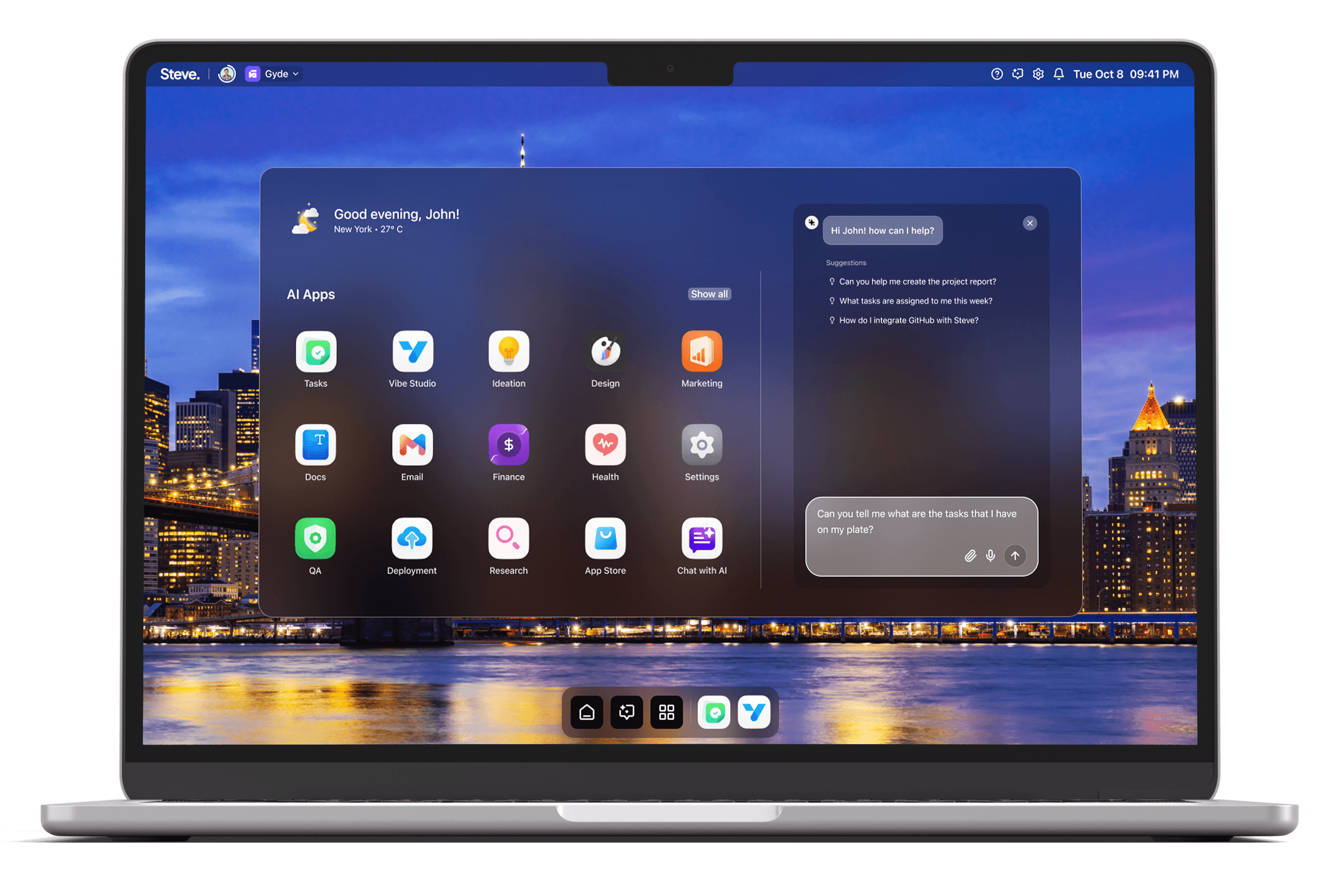
Operations teams run on repeatable, accurate processes. Standard operating procedures (SOPs) capture those processes, but traditional SOP creation is slow: knowledge sits in inboxes, chat threads, ticket systems, and individual heads. Conversational SOP creation rethinks that workflow by letting teams surface, structure, and validate procedures through dialogue. As an AI Operating System, Steve makes that conversational loop practical: it captures context, drafts and refines SOPs interactively, links them to execution, and keeps them current as operations change.
Conversational Knowledge Capture With Shared Memory
SOPs must reflect real-world context. Steve’s shared memory system preserves conversation state and operational context so SOPs grow from actual team interactions rather than isolated drafts. When agents and users reference past decisions, the shared memory supplies relevant facts—previous incident summaries, owner assignments, or accepted workarounds—so initial SOP drafts include accurate constraints and history.
Practical scenario: during a postmortem chat, an on-call engineer and a manager summarize remediation steps; Steve’s shared memory retains that exchange. Later, when a team member asks “How do we restore service X after Y failure?” Steve retrieves the stored context and seeds an SOP section with the confirmed steps and responsible roles, reducing omission and revision cycles.
Drafting And Refining SOPs Through Steve Chat
Steve Chat provides an interactive, file-aware conversational surface where teams draft SOPs together. Users can upload logs, spreadsheets, or diagrams; Steve reads those files, synthesizes relevant points, and converts them into structured SOP drafts. The chat supports iterative refinement: teams request clarifications, add edge cases, and instruct Steve to reformat steps or convert prose into checklists.
Practical scenario: an operations lead uploads a runbook spreadsheet and asks Steve to produce a concise incidents SOP. Steve references the spreadsheet, incorporates calendar and ticket data via integrations, and returns a checklist-style SOP. The team then iteratively refines phrasing and responsibility assignments inside the chat until the SOP is ready for publication.
Embedding SOPs Into Inbox Workflows With AI Email
SOPs succeed when they integrate into daily communication. Steve’s AI Email module summarizes long threads, surfaces action items, and suggests context-aware replies—capabilities that link conversation to living SOPs. When an email thread reveals a recurring procedural gap, Steve can propose inserting an SOP excerpt or creating a new procedure draft based on the thread summary.
Practical scenario: a sequence of support emails shows repeated manual steps to reset a user environment. Steve Email flags the pattern, summarizes the thread, and offers a prompt to generate an SOP draft. The operations lead reviews the draft in-chat, refines it, and publishes a short checklist to the team’s knowledge base, all without leaving the inbox.
Operational Execution And Tracking With Task Management
A procedure is only useful if teams follow and improve it. Steve’s Task Management ties SOPs to execution: it converts SOP steps into actionable tasks, integrates with existing task systems, and suggests sprints or follow-ups. This closes the loop from “documented procedure” to “measured outcome,” enabling continuous improvement.
Practical scenario: after publishing an updated incident response SOP, Steve converts verification steps into tasks assigned to on-call engineers and schedules a follow-up review. If the team integrates Linear or similar tools, Steve imports or creates tickets from conversational prompts, tracks completion, and records outcomes in shared memory so the next SOP revision starts from real performance data.
Steve
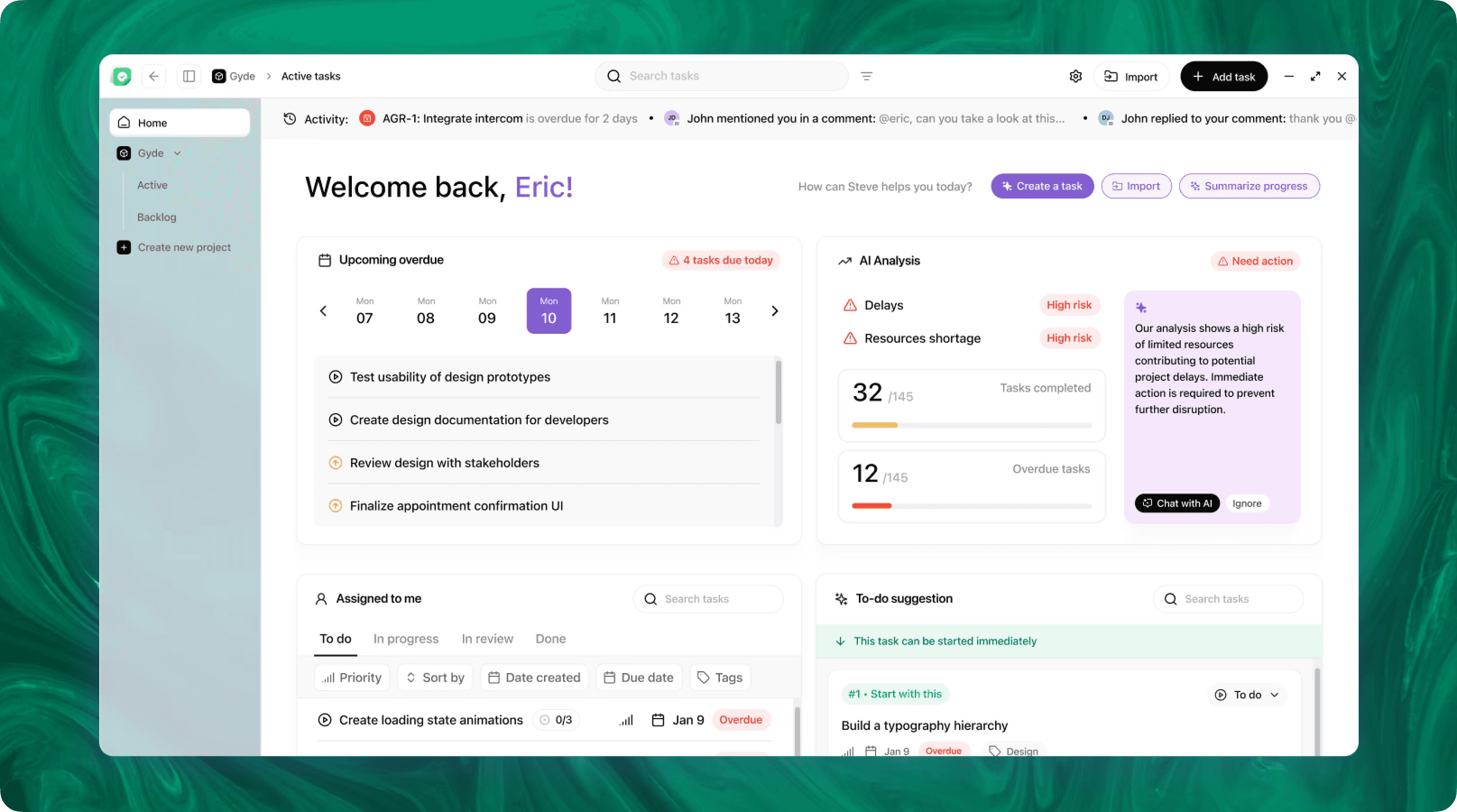
Steve is an AI-native operating system designed to streamline business operations through intelligent automation. Leveraging advanced AI agents, Steve enables users to manage tasks, generate content, and optimize workflows using natural language commands. Its proactive approach anticipates user needs, facilitating seamless collaboration across various domains, including app development, content creation, and social media management.
Conclusion
Conversational SOP creation removes friction between knowledge capture, drafting, and operationalization. As an AI OS, Steve aligns shared memory, interactive chat, inbox intelligence, and task orchestration so SOPs emerge from real conversations and connect directly to work. The result: faster creation, fewer errors, and living procedures that evolve with the team’s experience—keeping operations resilient and repeatable.