Automating QA Test Scripts Through Conversational Commands
Jan 23, 2026

Conversational Script Generation: LLM-driven chat produces scaffolded test scripts from plain-language requirements and uploaded artifacts.
Contextual Memory For Reliable Tests: Shared memory preserves environment and fixture context so generated tests are consistent and repeatable.
File-Aware Collaboration And Integrations: Uploads and GitHub-aware outputs let Steve populate data-driven tests and prepare commit-ready files.
Developer Mode For Fast Refinement: An embedded secure VS Code editor supports live edits and hot reload to iterate tests without leaving the platform.
Workflow Benefit: Combining conversational generation, memory, file awareness, and integrated editing shortens the path from discovery to production-grade automated tests.
Introduction
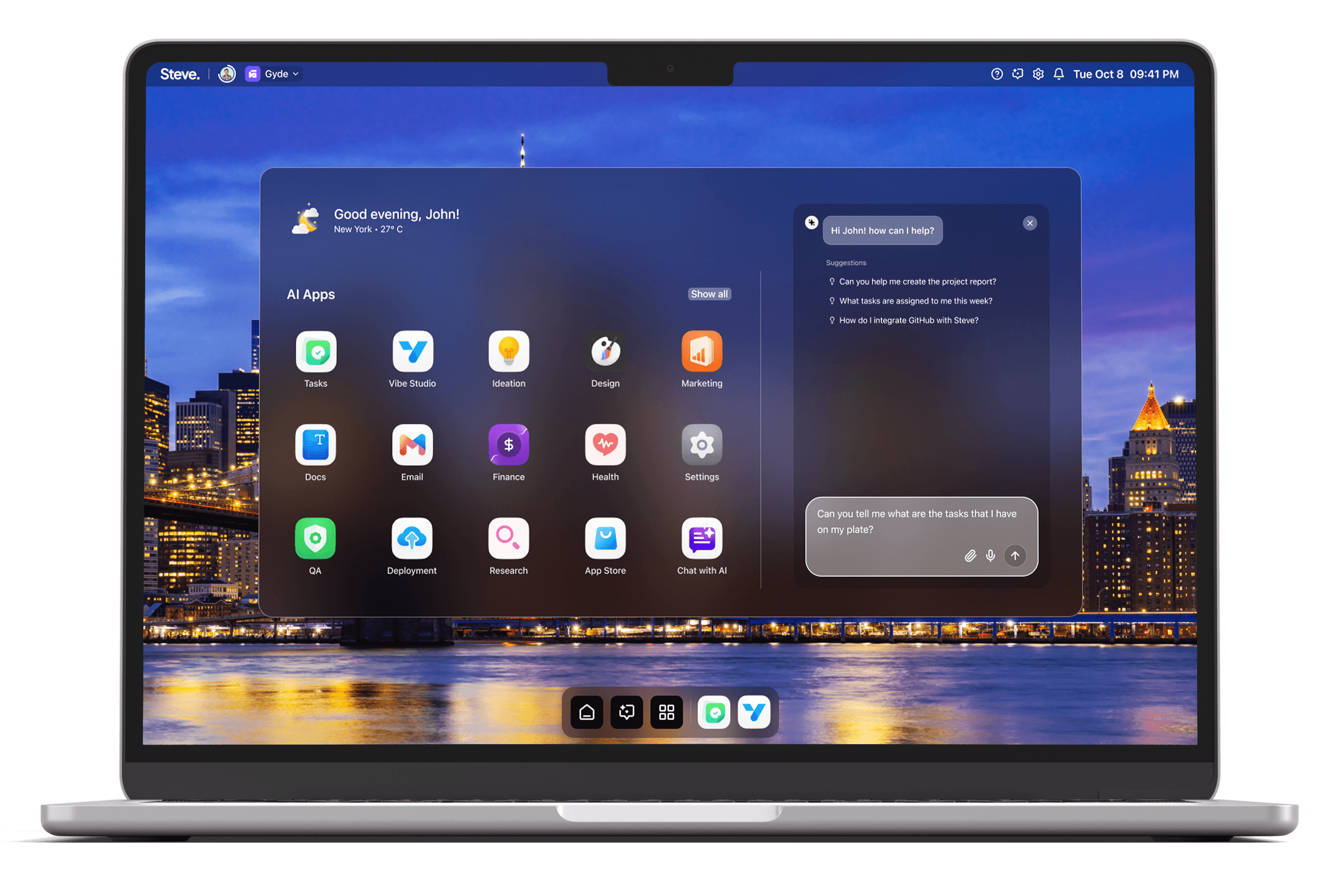
Automating QA test scripts through conversational commands shifts test engineering from manual scripting to intent-driven orchestration. Teams need a system that understands requirements, retains context across iterations, and integrates with developer workflows. As an AI Operating System, Steve provides that conversational layer: it generates test scripts from plain language, maintains shared context so scenarios remain consistent, and surfaces editable code linked to your repositories.
Conversational Script Generation
Steve’s conversational interface, powered by advanced AI agents and LLMs, turns natural-language test requirements into scaffolded test scripts. Instead of hand-writing boilerplate, a QA engineer can describe behavior—"Verify login with valid and invalid credentials, capture network errors, and assert UI toast messages"—and Steve translates that intent into a test script template. Because Steve Chat is file-aware and supports uploads, you can provide spec documents, sample payloads, or mock data and the assistant will incorporate those artifacts into the generated tests, producing more accurate and immediately usable output.
Practical scenario: during a sprint demo, a product manager describes an edge-case user flow discovered on staging. In the same chat, the QA lead asks Steve to generate a test that reproduces the flow and attach the relevant API contract PDF; Steve uses the file context to create assertions that match the contract. This reduces back-and-forth and creates a first-pass automated test in minutes instead of days.
Contextual Memory and Stable Test State
Reliable automation depends on consistent context: environment variables, authentication tokens, fixtures, and known failure modes. Steve’s shared memory system lets AI agents retain and recall that context across conversations and sessions. That shared memory captures which test environments are active, which data fixtures are preferred, and prior debugging notes so generated scripts align with existing practice rather than starting from scratch each time.
Practical scenario: a QA engineer iterates on flaky tests. Steve remembers that a particular service required a longer retry policy from prior conversations and includes that retry logic automatically in new script generations. The result is fewer false positives and a faster path from discovery to repeatable automation.
File-Aware Collaboration And Integrations
Steve Chat’s integrations and file-aware capabilities make it simple to author tests that connect to real artifacts and workflows. Upload a test matrix spreadsheet or a JSON schema, and Steve uses that input to populate data-driven tests. Because Steve integrates with services like GitHub and is aware of project files, it can prepare commit-ready test files that align with repository structure, reducing manual rework when handing artifacts to engineers.
Practical scenario: a QA lead asks Steve to scaffold end-to-end tests against the current UI build. Steve references the uploaded test plan, generates the scripts, and prepares a ready-to-review branch that follows repository conventions—so developers can pull the branch, review, and run the tests locally or in CI with minimal changes.
Developer Mode And Code Refinement
When generated tests need production-grade adjustments, Developer Mode provides an embedded secure VS Code editor so engineers can inspect, refine, and iterate without leaving Steve. Hot reload and live edits accelerate verification: make a change in Developer Mode, preview behavior, and iterate on assertions or fixtures. Combined with Steve’s ability to push code to GitHub, the path from conversational intent to committed test code becomes direct and auditable.
Practical scenario: after Steve generates a cross-browser test suite, a senior engineer opens Developer Mode to parameterize environments and add custom helper functions. They validate locally using hot reload, then push the refined suite back to the repository for CI integration and peer review.
Steve
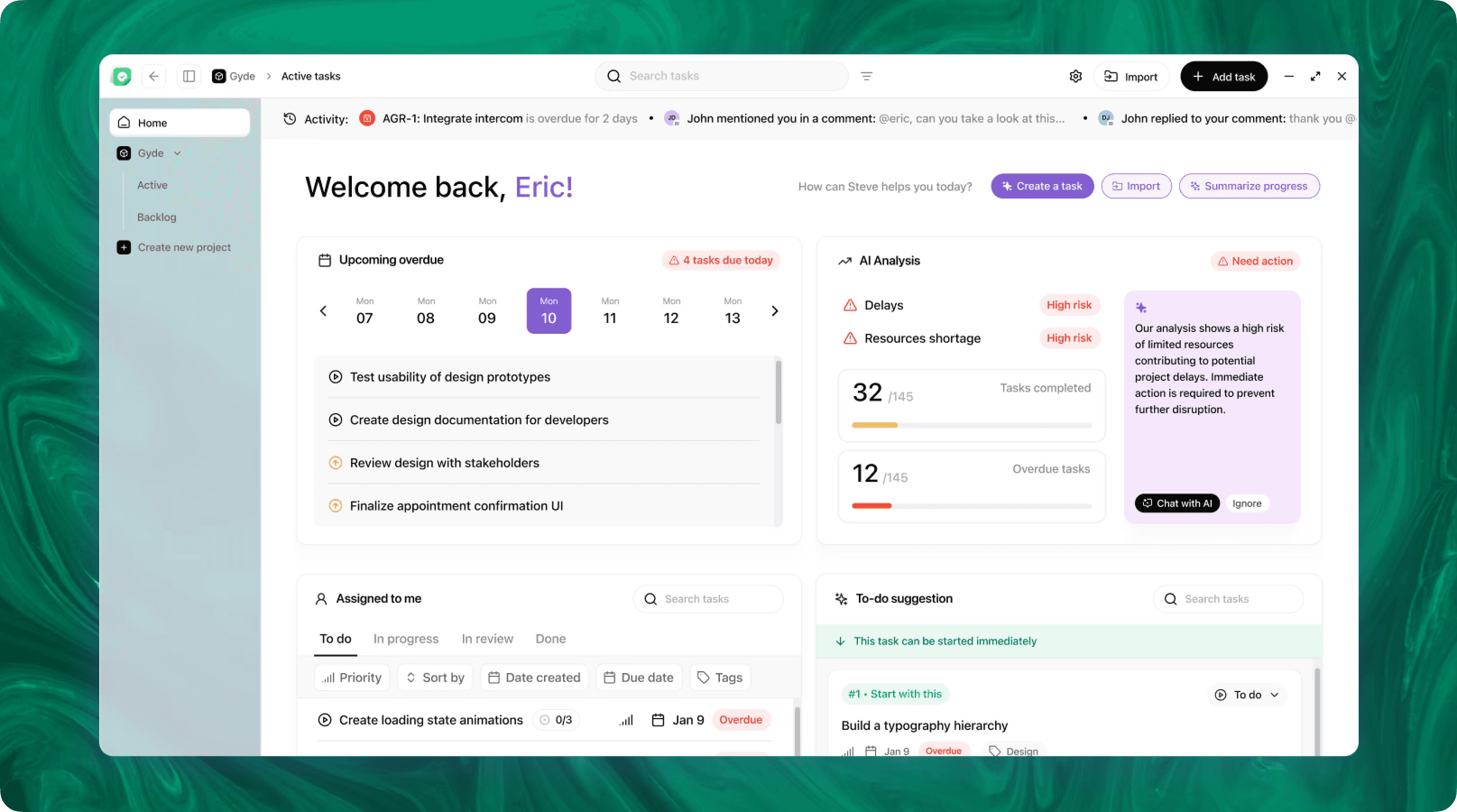
Steve is an AI-native operating system designed to streamline business operations through intelligent automation. Leveraging advanced AI agents, Steve enables users to manage tasks, generate content, and optimize workflows using natural language commands. Its proactive approach anticipates user needs, facilitating seamless collaboration across various domains, including app development, content creation, and social media management.
Conclusion
Moving QA scripting into conversation reduces friction, keeps context consistent, and shortens the loop from discovery to automation. As an AI OS, Steve couples LLM-driven conversational generation with shared memory, file-aware chat, and an integrated editing surface so teams can produce, refine, and deliver test scripts faster. The result is more reliable automation, clearer traceability from requirement to test, and a practical way to scale QA output without turning every requirement into manual code work.